
Find the family.
See the impact.
Fix it safely.
Nexus helps Revit teams find project families, see every instance, isolate affected elements, bookmark key parameters, and edit model data from one focused workspace.
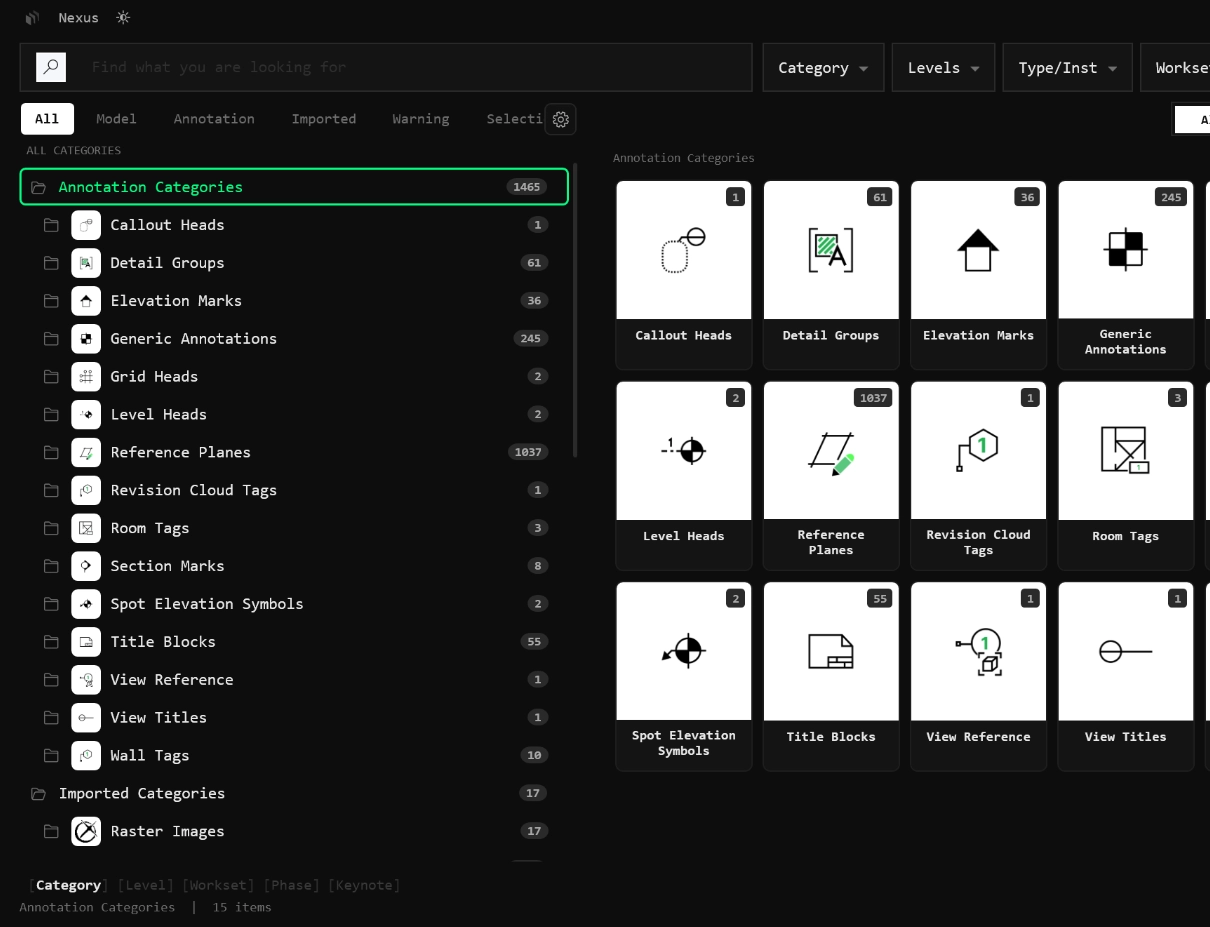
Turn your Revit model into an asset control panel.
Search, count, locate, isolate, and update your Revit model assets from one focused control center without leaving Revit.
Find a family, type, parameter, or Element ID.
See affected instances before changing the type.
Check level, workset, phase, and element context.
Select or isolate the affected set in Revit.
Apply parameter, type, material, or layer changes.
See every instance before you touch the type.
Never update a type blind.
Expand a family type to see exactly how many instances exist, where they are used, and which elements will be affected before you update anything.
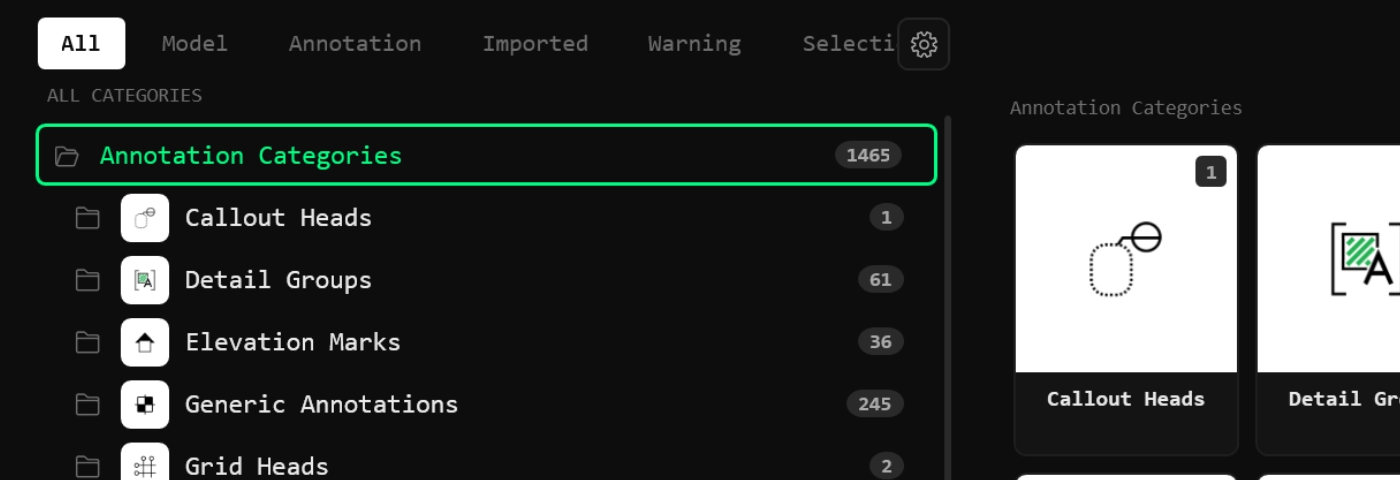
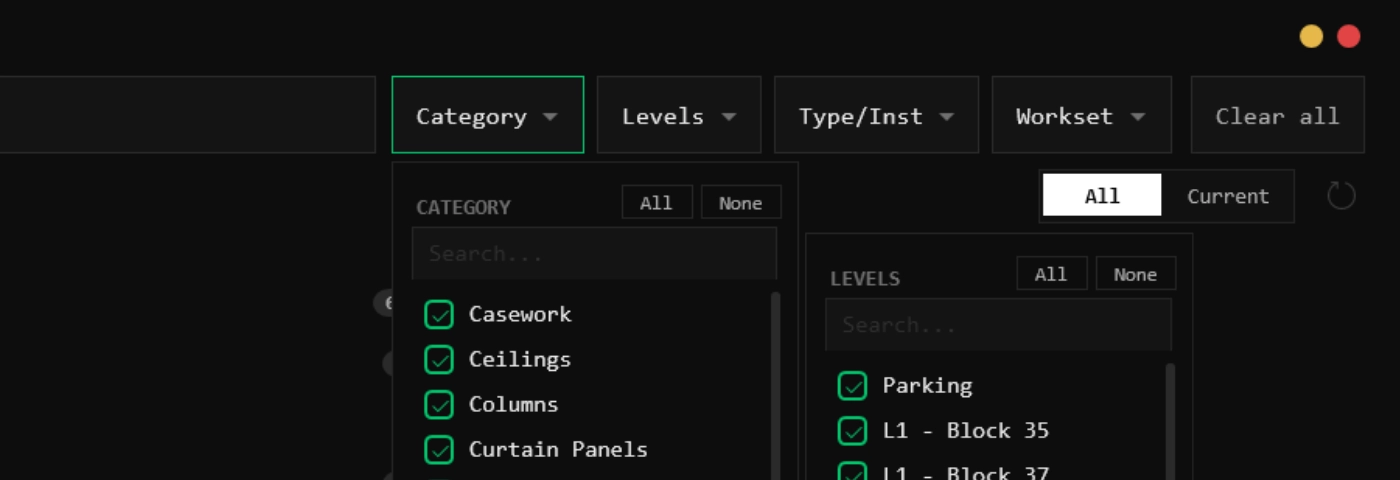
Show only the assets relevant to the current review.
Do not search the whole model when the task only needs part of it.
Filter by current view, selection, phase, level, workset, category, keynote, or parameter so the right family appears in the right project context.
Turn Revit parameters into a clean data checklist.
Not every Revit parameter deserves attention.
Star the parameters your team actually checks and keep the panel focused when the full Revit parameter list becomes noise.
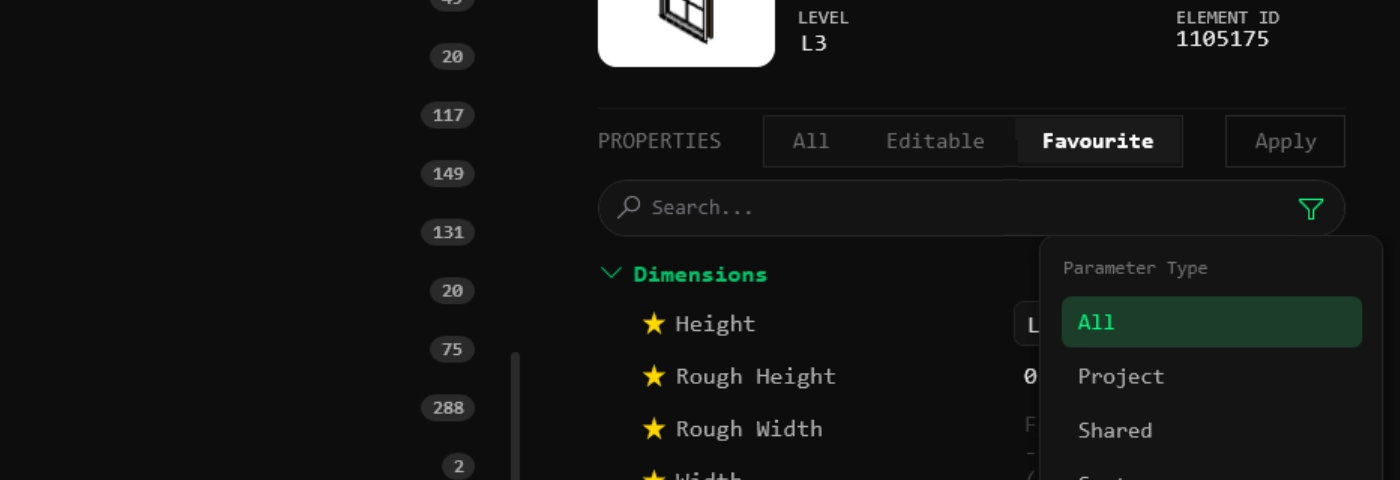
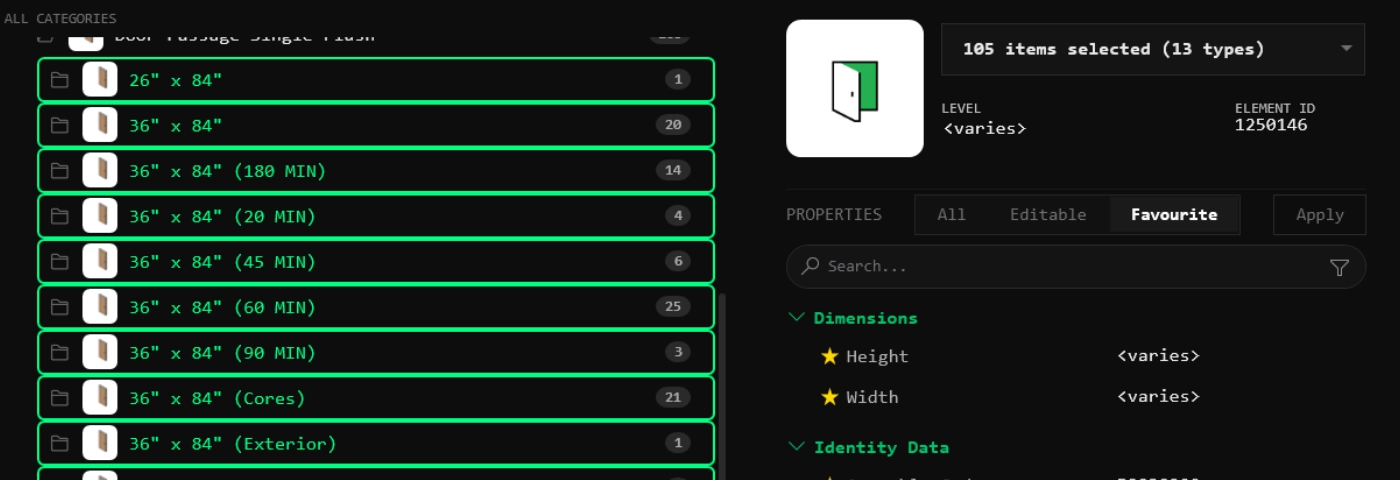
Fix data without opening five Revit dialogs.
Find the asset, check the impact, then edit from the same place.
Edit instance values, type parameters, materials, and assembly layers from the same panel where you found the asset.
Every asset action, one right-click away.
The tree is not just for browsing. It is a full command surface for the model.
Drag a type from the tree straight into Revit placement mode.
Search families and types, then swap selected elements at once.
Warnings grouped by message with affected instances underneath.
Browse types as a thumbnail card grid instead of tree rows.
Manage instances, types, and families without leaving the panel.
Build tree labels from any parameter combination.
Open the Revit family editor directly from any node.
Jump to the view or group where an element actually lives.
Pin frequently audited parameters to a custom bookmarks list.
CONNECT PROJECT ASSETS TO BI3M CLOUD.
Access approved component libraries and load BI3M families directly into your active Revit project.
Access BI3M as a connected external family library.
Load approved BI3M families directly into the project.
Access custom BI3M collections and starred favorites inside Revit.
Upload and sync Revit families directly to the BI3M cloud.
Find it. Check it. Fix it.
Without leaving Revit.
Use Nexus to see the impact of every family update before you change the model.