
EVERY SAVE, TRACKED.
RECOVERY, VERIFIED.
Capture saves and syncs as recovery points with authors, element changes, and integrity checks—all stored in one local-first history.
ONE WORKFLOW. CONTINUOUS MODEL PROTECTION.
Every normal save or sync becomes part of a structured history your team can review, verify, export, and recover.
Record added, modified, and deleted Revit elements.
Detect successful model saves and central synchronizations.
Save each version with its author, timestamp, and note.
Browse previous versions and understand what changed.
Reconstruct and verify a selected model version before use.
A COMPLETE HISTORY.
A VERIFIED WAY BACK.
Track changes, verify stored data, and recover the version you need.
01. Automatic Recovery Points
Create recovery points after successful Revit saves and central synchronizations.
02. Element Change Tracking
Review added, modified, and deleted Revit elements for each recorded model session.
03. Storage-Efficient Versioning
Reuse identical model data blocks instead of saving a full RVT copy for every version.
04. Local Project Storage
Keep model history on your workstation or organization-controlled network storage.
05. Verified Model Recovery
Verify stored data and the reconstructed RVT file before a recovered version is released.
06. History and Package Export
Export model history to CSV or JSON, or create a portable recovery package for a selected version.
Protect the model every time your team saves or synchronizes.
Your normal Revit workflow becomes your recovery workflow.
D-Pot detects successful Save, Save As, and Synchronize with Central operations and creates a structured recovery point for the model. Each version records when it was created, who created it, and what happened during the session.
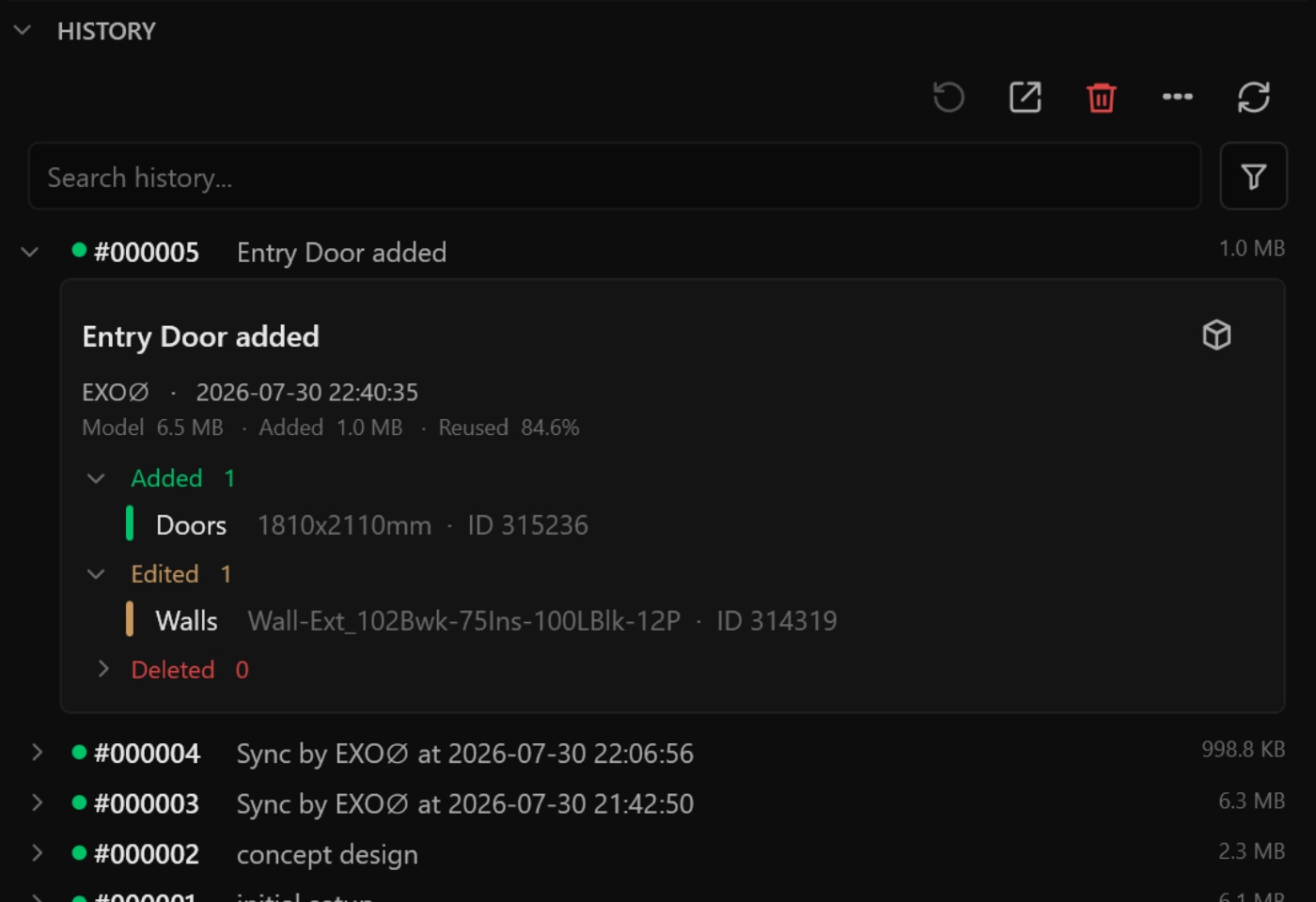
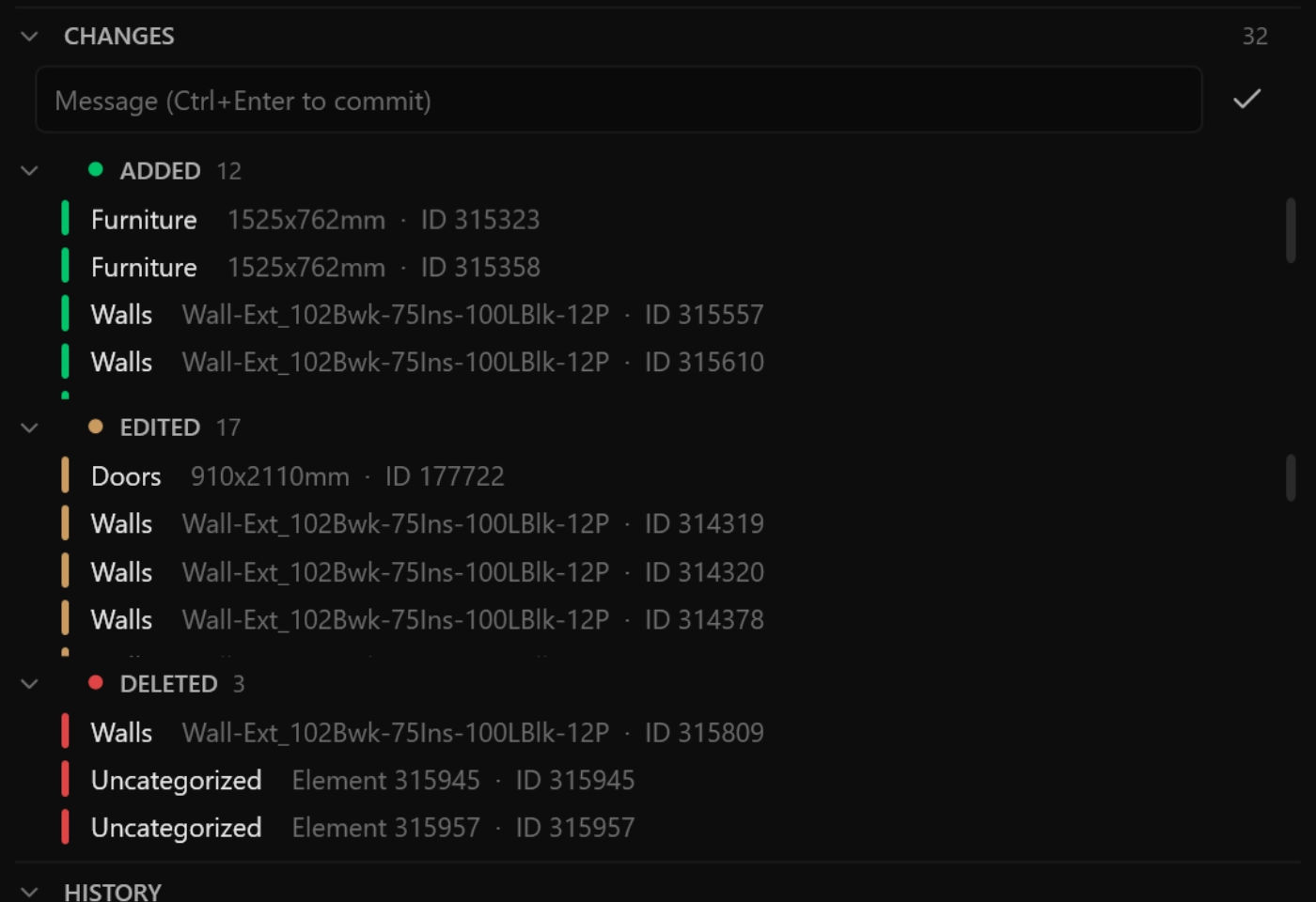
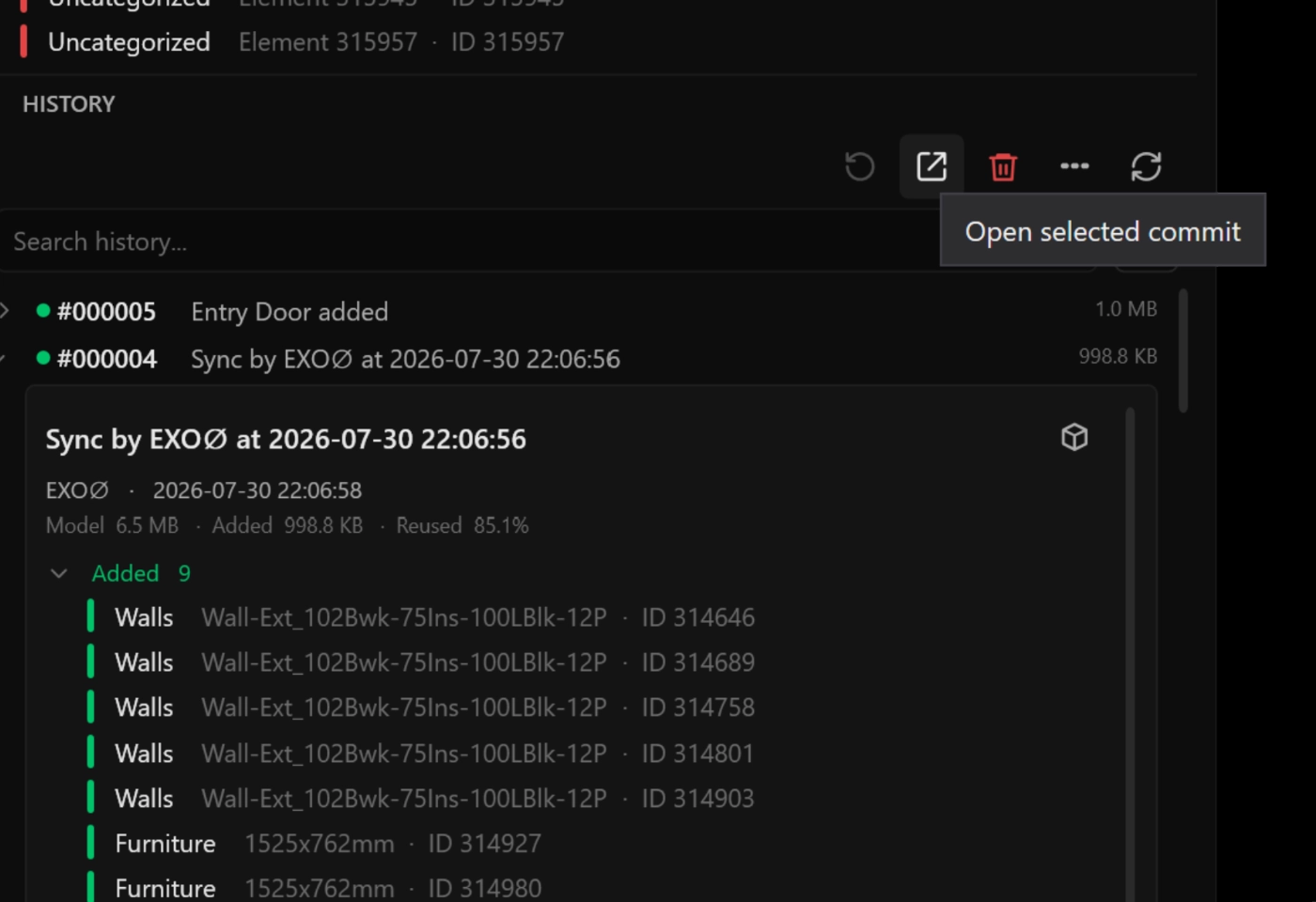
Understand what changed before recovering a model.
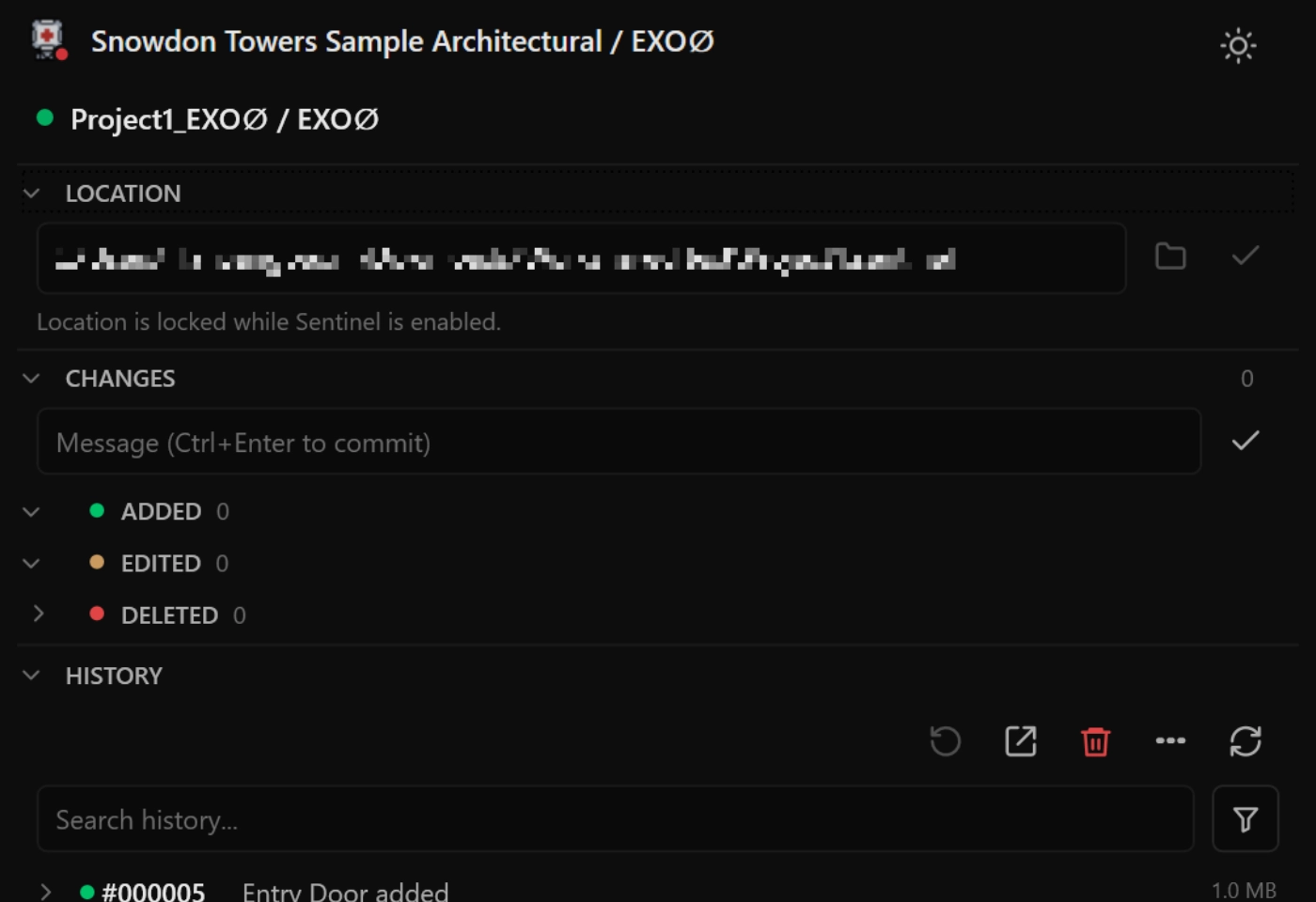
See added, modified, and deleted elements for every recorded session.
D-Pot records available Revit element information, including element IDs, categories, transaction names, and change times. Review the scale and type of model changes before selecting a recovery point.
Deleted elements are recorded using the identifiers available when Revit reports the deletion event.
Keep more model history without copying every RVT file in full.
Store unique model data and reuse content that already exists.
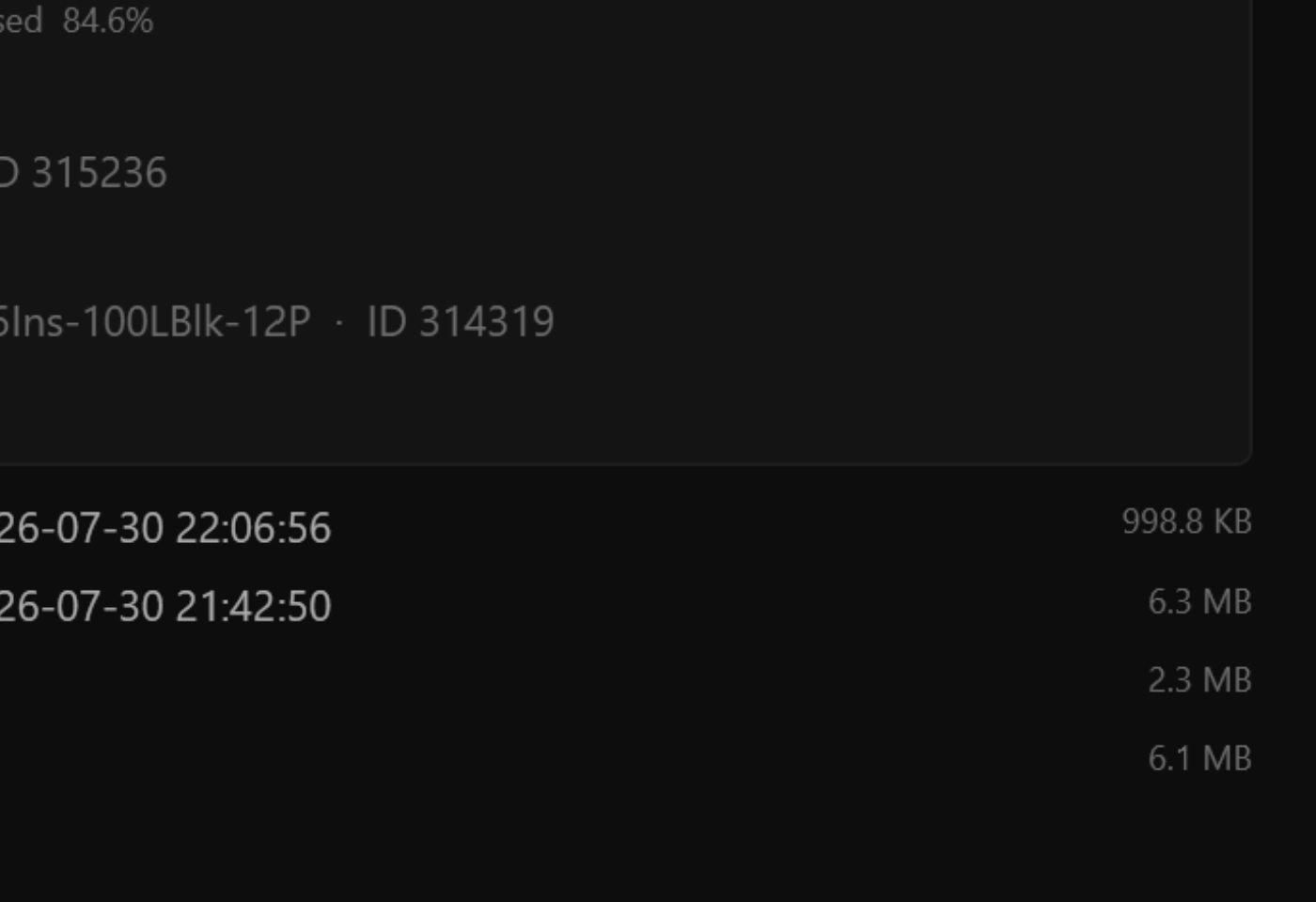
D-Pot divides each RVT file into 1 MiB data blocks and identifies them using SHA-256 hashes. When an identical block already exists in the project storage, D-Pot reuses it instead of saving another copy.
Actual storage savings vary depending on the model structure and the type of changes made.
Verify every recovered model before it is released.
A recovered file is not accepted until its integrity checks pass.
During recovery, D-Pot verifies each stored data block, confirms the reconstructed file size, and validates the SHA-256 hash of the completed RVT file. Recovery output that fails validation is not published.
Keep Revit model history inside your organization.
No external cloud upload is required for the core recovery workflow.
Store D-Pot recovery points on a local workstation, file server, or organization-controlled network location. Shared projects can use the same D-Pot workspace across authorized Revit workstations.
Keep a portable record of every important model version.
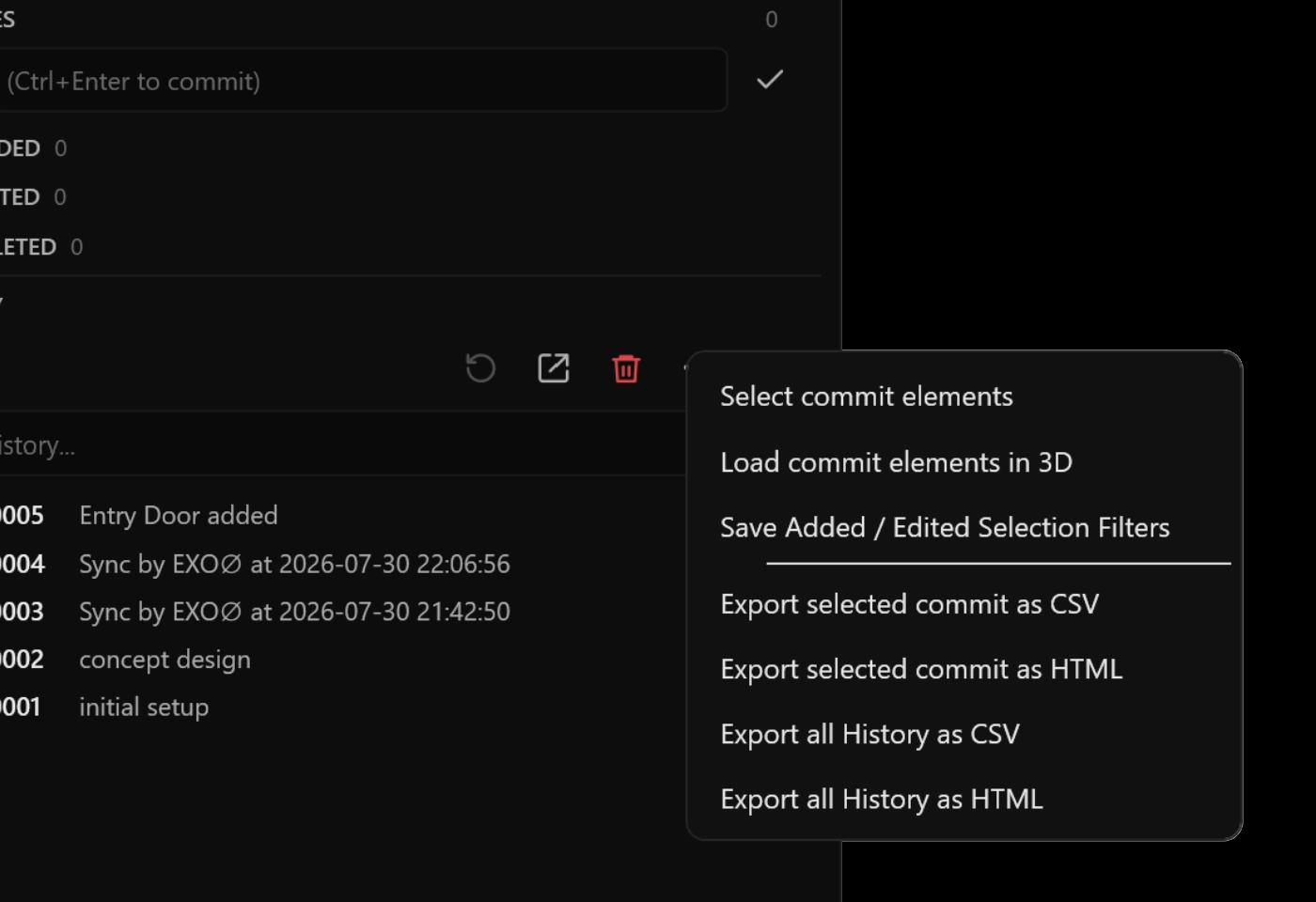
Export the history you need without copying the entire project repository.
Export version and element-change history to CSV or JSON. D-Pot can also create a portable recovery package containing the selected version manifest and only the data blocks required to reconstruct that model version.
Recover the version
you meant to keep.
Keep recovery points, change history, and verification together in D-POT.